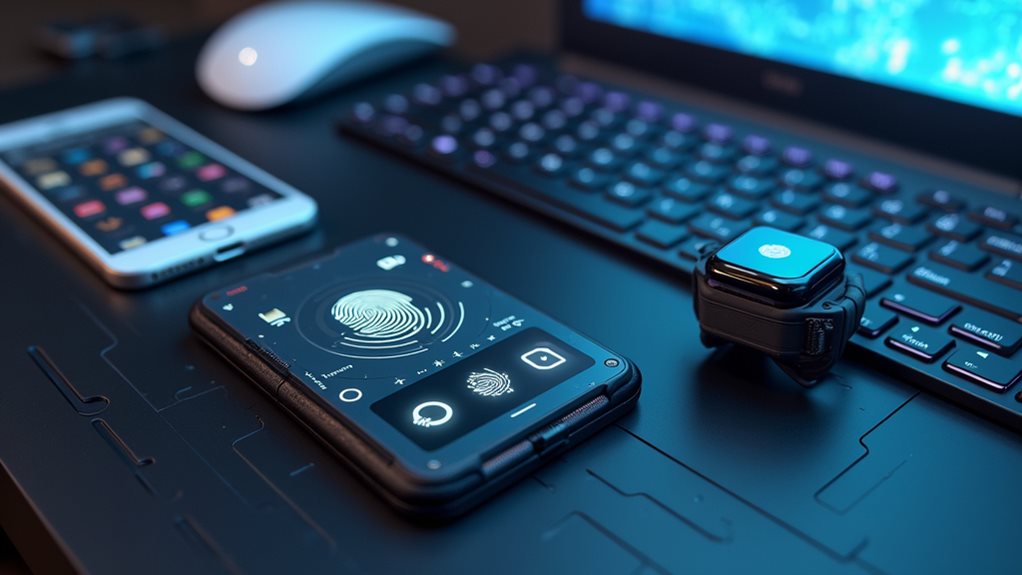
Choose a hardware wallet based on your specific needs. Cold storage keeps your private keys offline, far from hackers’ greedy fingers. Consider your priorities: token support (Ledger wins with 5,500+), interface (touchscreens like Trezor Model T are easier), and price point ($50 budget vs. $150+ premium). Don’t skimp on security features like secure element chips and physical buttons. Your crypto isn’t just money—it’s your financial future. The details make all the difference.
Understanding Different Hardware Wallet Types and Their Security Features
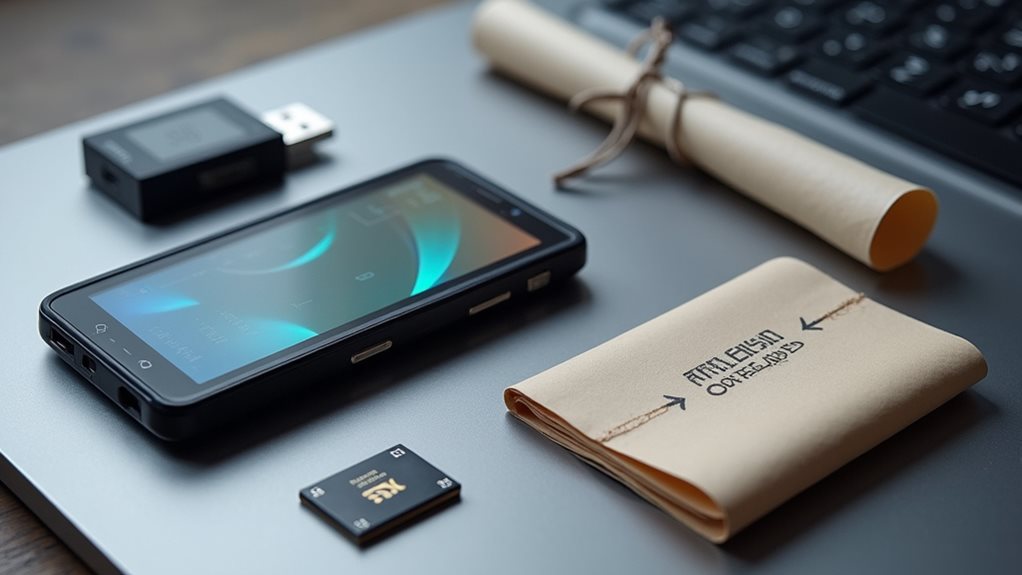
When hackers are eyeing your crypto, a hardware wallet stands as your digital fortress. Cold wallets keep your private keys offline—completely away from those internet nasties.
You’ve got options. USB devices that connect directly. Bluetooth wallets for wireless convenience (though they’re slightly more vulnerable, surprise). Touchscreen wallets with fancy interfaces. And air-gapped wallets that never, ever connect digitally. Maximum paranoia mode.
The real security magic? Secure element chips. They’re practically impossible to crack. Like Fort Knox for your crypto.
Physical durability matters too. Most are built tough, but design considerations vary. Some fit in your pocket, others barely in your hand. Ordering directly from manufacturers or resellers ensures you receive an untampered device with uncompromised security.
Recovery features are non-negotiable. Lose your device? Your backup recovery seed phrase saves your digital bacon. Top hardware wallets like Trezor and Ledger typically cost between $49 and $500, depending on their features and security capabilities.
Evaluating Cryptocurrency and Token Support Across Wallet Brands
Why settle for a wallet that only handles Bitcoin when the crypto universe is exploding with thousands of tokens? Your hardware wallet’s token variety can make or break your crypto experience.
Ledger dominates with over 5,500 tokens on their Nano X and 5,000+ on their Stax. Impressive. Trezor trails behind with 1,000+ cryptocurrencies. Not bad, but not stellar either.
SafePal focuses on blockchain coverage (50+) rather than token count. Ellipal? They’re more concerned with their fancy display than telling you exactly what they support. With market volatility reaching new extremes in 2025, choosing a reliable hardware wallet is more critical than ever.
Your user preferences matter here. Need NFTs and staking? Ledger’s got you covered through Ledger Live. Want open-source transparency? Trezor’s your friend. OneKey products offer exceptional options for users who value open-source transparency in their hardware wallets. Many new hardware wallets like Treasure Save 5 prioritize multisig setups for enhanced security of your crypto holdings.
Regular firmware updates are essential – they’re your ticket to supporting new tokens as they emerge. No updates, no coins. Simple as that.
Assessing Physical Security Measures and Private Key Protection
How secure is the little device that’s supposed to protect your entire crypto fortune?
Let’s be real—your hardware wallet needs serious tamper resistance. The best ones use secure elements certified to military-grade standards (CC EAL5+ or FIPS). Your private keys never leave these fortresses. Hardware wallets provide superior protection by keeping your private keys completely offline, isolating them from internet-connected threats. Unlike hot wallets, hardware devices offer immune protection against online attacks that frequently target cryptocurrency holdings.
- Physical buttons require your actual finger—not some remote hacker’s digital one
- Tamper-evident seals show if someone’s been messing with your wallet
- PIN codes and passphrases keep thieves out even if they steal the device
- Recovery seeds let you restore everything if your wallet gets destroyed
- Transaction details display on the device screen—so you’ll know exactly what you’re approving
Comparing User Interface Design and Ease of Setup
Security matters, but it’s useless if you can’t figure out how to use the darn thing. Hardware wallets vary dramatically in interface usability and setup complexity.
Tangem offers dead-simple setup—no recovery phrase required. Just tap and go. Contrast that with Ledger’s 24-word phrases and PIN codes. Not rocket science, but definitely more steps.
Display options make a huge difference. Trezor Model T’s color touchscreen with haptic feedback? Fancy. Cypherock’s joystick navigation? Like playing a tiny crypto Nintendo. Ledger Nano Flex uses E Ink for better readability.
Some wallets force you to squint at tiny screens and press microscopic buttons. Others, like Tangem, have no screen at all—your phone does the heavy lifting. Convenient? Yes. But you’re trusting your phone more than the wallet itself. Remember that hardware wallets provide enhanced security by storing your private keys offline, keeping them safe from internet-based threats. The Ledger Nano X stands out with its OLED screen that allows for convenient transaction verification without compromising security.
Analyzing Price Points and Value Proposition for Different User Needs
When it comes to hardware wallets, your budget dictates your options—and there’s a crypto safe for every price point. A proper cost benefit analysis reveals that expensive doesn’t always mean better for your specific needs.
Truth is, a $50 SafePal might serve you perfectly while that $267 Trezor collects dust.
- Budget options ($50-$80): Perfect for beginners with mainstream coins
- Mid-range ($100-$170): Good balance of features without breaking the bank
- Premium ($150+): For serious investors with diverse portfolios
- Specialized wallets: SecuX Nifty ($119) makes sense for NFT collectors
- Sales matter: Wait for discounts if you’re eyeing pricier models
User preferences matter more than price tags. A long-term HODLer needs different features than an active trader. The KeepKey stands out as an excellent entry-level option at just $80 USD, offering essential security while remaining affordable. For crypto enthusiasts needing mobile access, the Ledger Nano X provides Bluetooth connectivity for convenient management through smartphones.
The right wallet for your crypto isn’t about price—it’s about matching features to your unique investment strategy.
Don’t overpay for features you’ll never use.
Exploring Ecosystem Integration and Cross-Platform Compatibility

Your hardware wallet is only as good as its ecosystem integration—fancy gadgets become doorstops if they can’t talk to your preferred blockchains.
Look for wallets that natively support the networks you actually use. Bitcoin-only user? Ethereum degen? Choose accordingly.
Cross-platform compatibility matters too. The best wallets work across Windows, Mac, mobile—everything.
No one wants to haul a laptop just to check their portfolio. USB, Bluetooth, NFC connections? All essential depending on your devices. Hardware solutions like the Ledger Nano X offer Bluetooth connectivity for convenient mobile access while maintaining robust security standards.
Software integration is non-negotiable. Your hardware wallet should play nice with MetaMask or other software wallets you’re already using.
Open-source options typically offer better ecosystem integration and transparency. For CRYPTO.ORG users, wallets like OneKey Pro and Classic 1S provide true open-source support with full transparency.
Want multi-chain support? Some wallets handle thousands of assets.
Others focus on fewer chains but offer deeper functionality. Pick your poison.
Frequently Asked Questions
Can Hardware Wallets Be Compromised During Shipping Before I Receive Them?
Yes, your wallet could be compromised through shipping security breaches. Manufacturers combat wallet tampering, but you should always inspect packaging, verify firmware authenticity, and purchase only from authorized retailers to minimize this uncommon but possible risk.
How Do I Transfer Crypto From an Exchange to My Hardware Wallet?
You’ll need to initiate a withdrawal on your exchange, paste your hardware wallet’s public address, select the correct crypto and network, confirm the exchange withdrawal process, and wait for blockchain confirmations to complete the crypto transfer.
What Happens to My Crypto if the Hardware Wallet Company Goes Bankrupt?
Your crypto remains secure if the company goes bankrupt, as hardware wallets keep your private keys offline. Bankruptcy implications only affect you if the company offers custodial services controlling your keys or recovery methods.
Can I Recover My Assets if I Lose or Break My Hardware Wallet?
Yes, you can recover your assets if you’ve properly secured your seed phrase. Simply import this phrase into a compatible replacement wallet. Your wallet recovery depends entirely on maintaining seed phrase security, not the device itself.
How Frequently Should I Update My Hardware Wallet’s Firmware?
You should update your hardware wallet whenever the manufacturer releases new firmware updates. Don’t skip security patches, as they fix vulnerabilities. Most wallets notify you of updates through their companion apps or websites.